
BEFORE THE SESSION
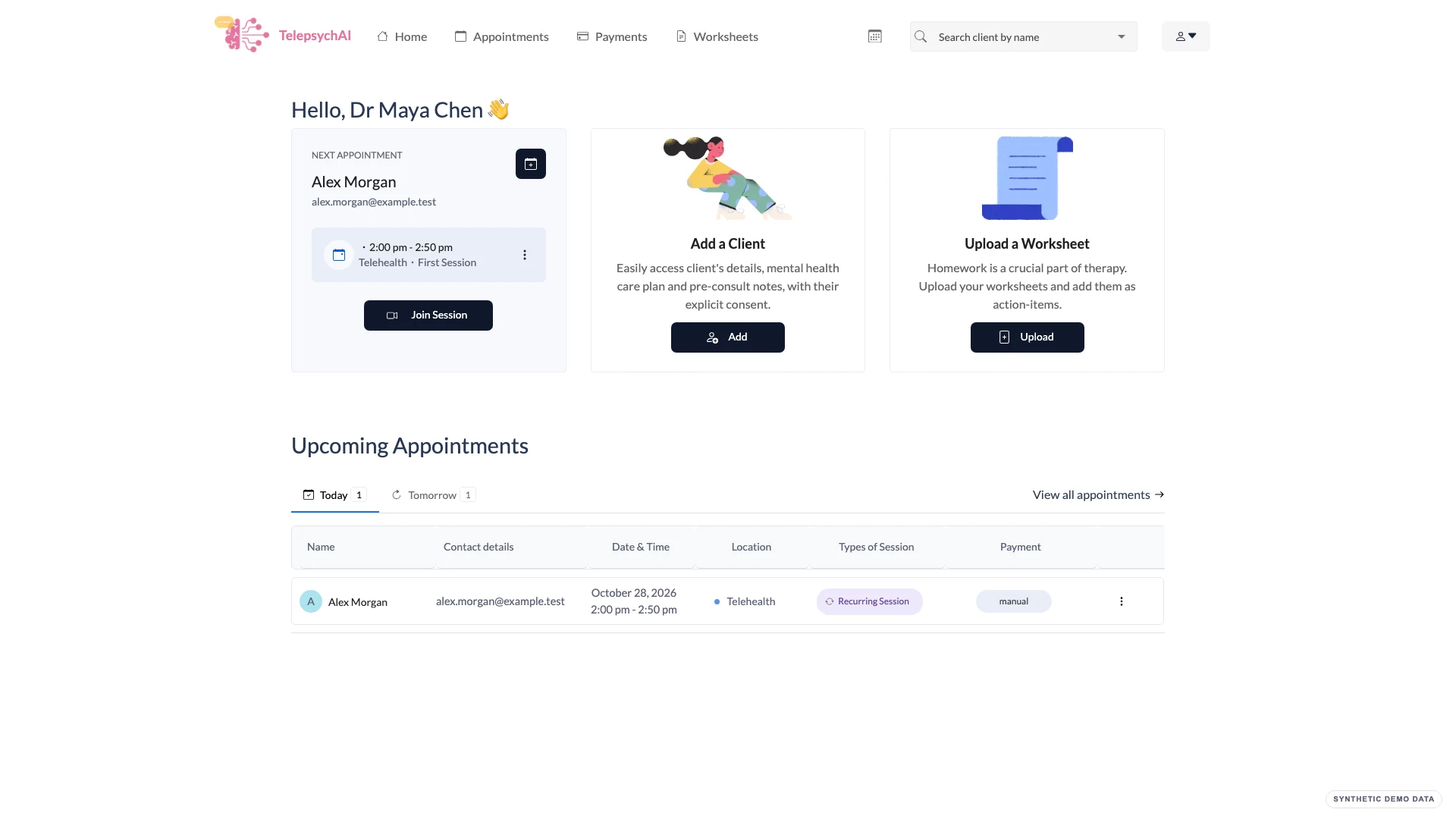
Prepare from one practice workspace.
See upcoming appointments, client details and the forms or follow-up attached to the work ahead.
 Fictional demo data
FOR AUSTRALIAN PSYCHOLOGISTS
Bring appointments, client workflows, telehealth and practice admin together—so the work around a session feels simpler too.
Practice tools for psychologists, from first booking to follow-up.
THE PRACTICE, IN CONTEXT
See how TelepsychAI brings everyday practice workflows into one connected place.
BEFORE THE SESSION
See upcoming appointments, client details and the forms or follow-up attached to the work ahead.
Fictional demo dataDURING THE SESSION
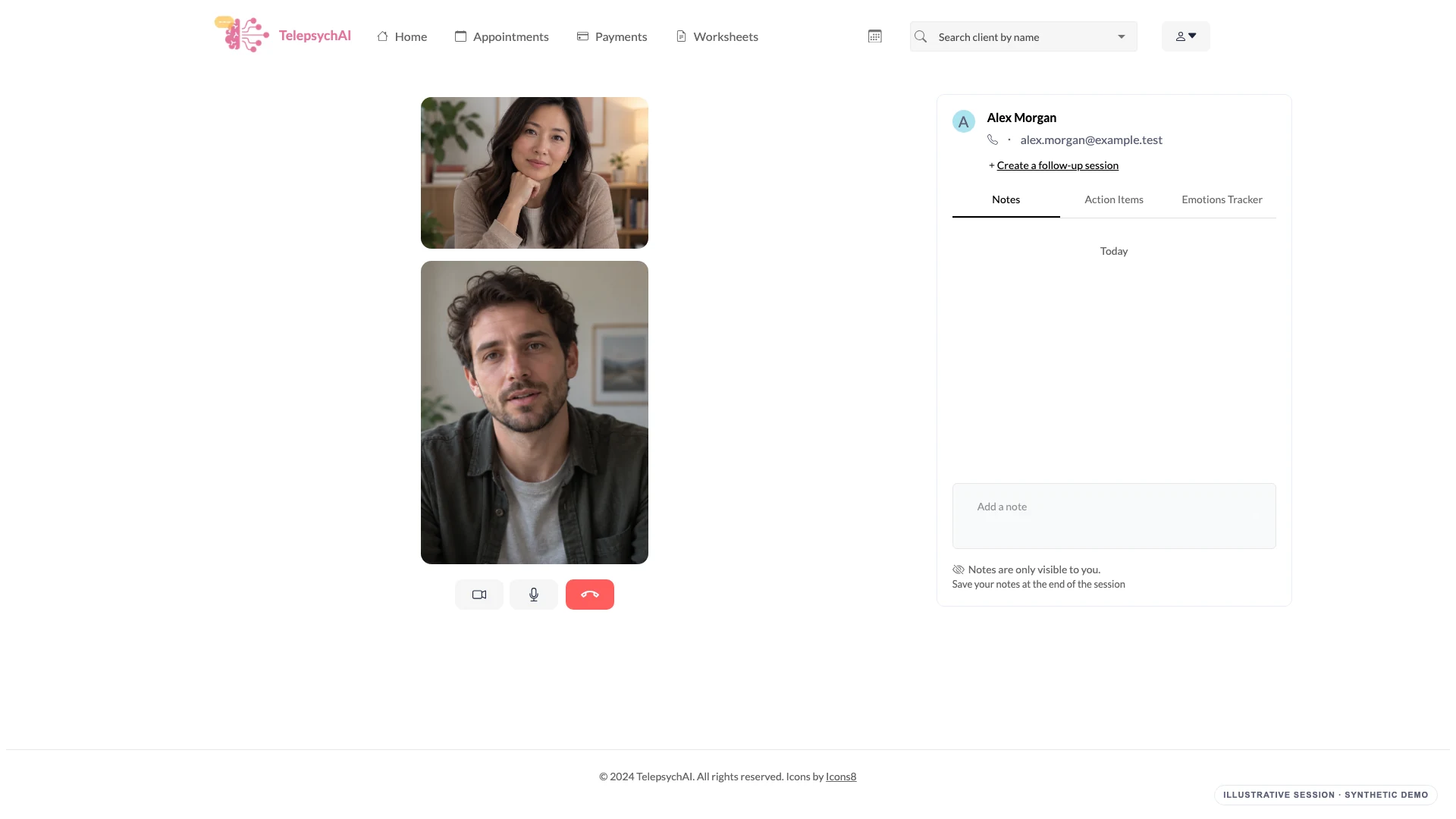
Start telehealth from an appointment and keep your session notes and agreed actions in the same workflow.
Fictional demo dataAFTER THE SESSION
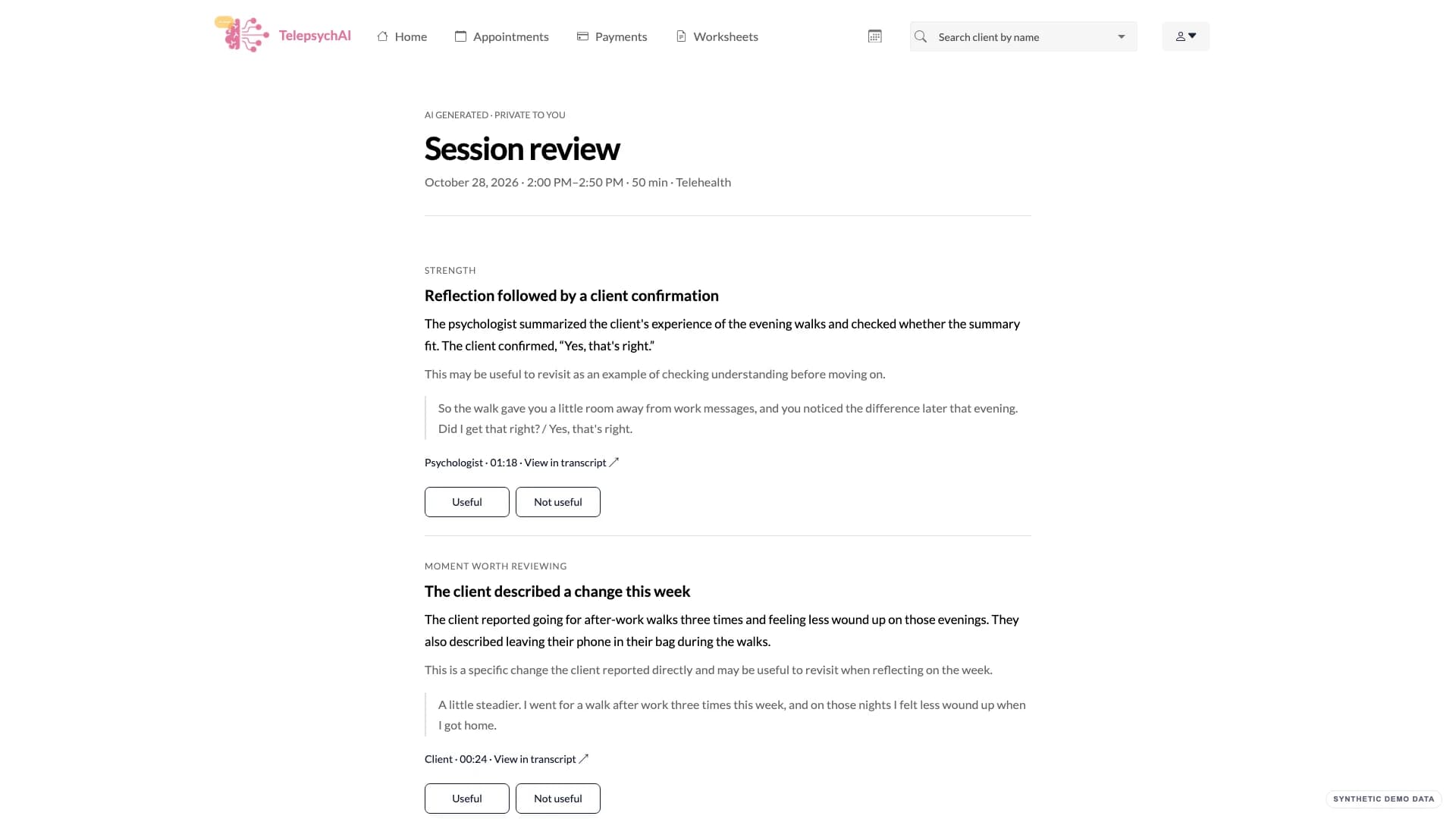
Return to client notes and action items, or open a private Session Review linked to transcript evidence when consent is in place.
 Fictional demo dataFictional demo data
A CONNECTED CLIENT EXPERIENCE
Clients get a dedicated dashboard to manage appointments, complete forms, view relevant session information and stay on top of follow-up actions. It connects their experience to the psychologist's practice workspace.
 Fictional demo data
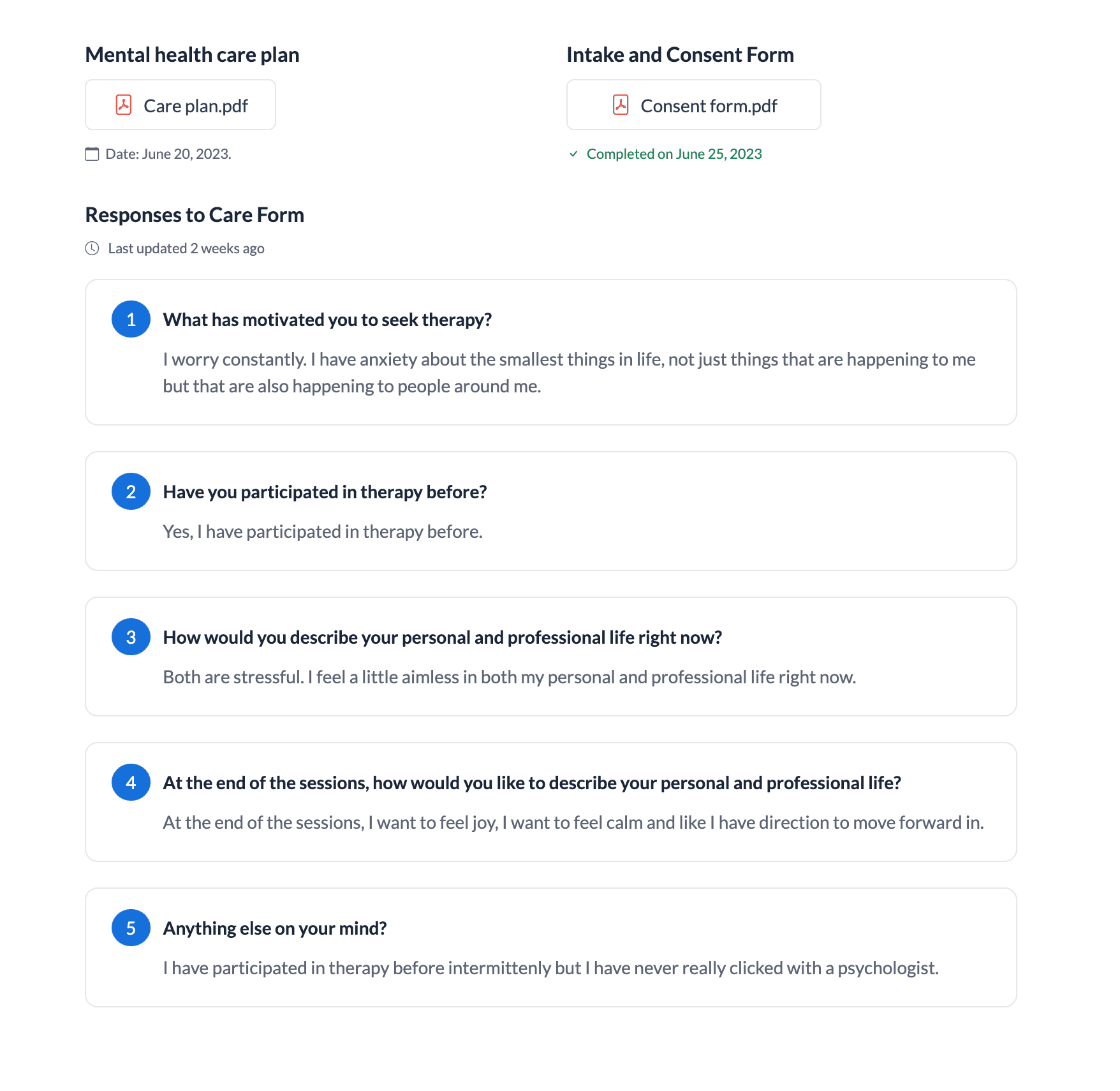
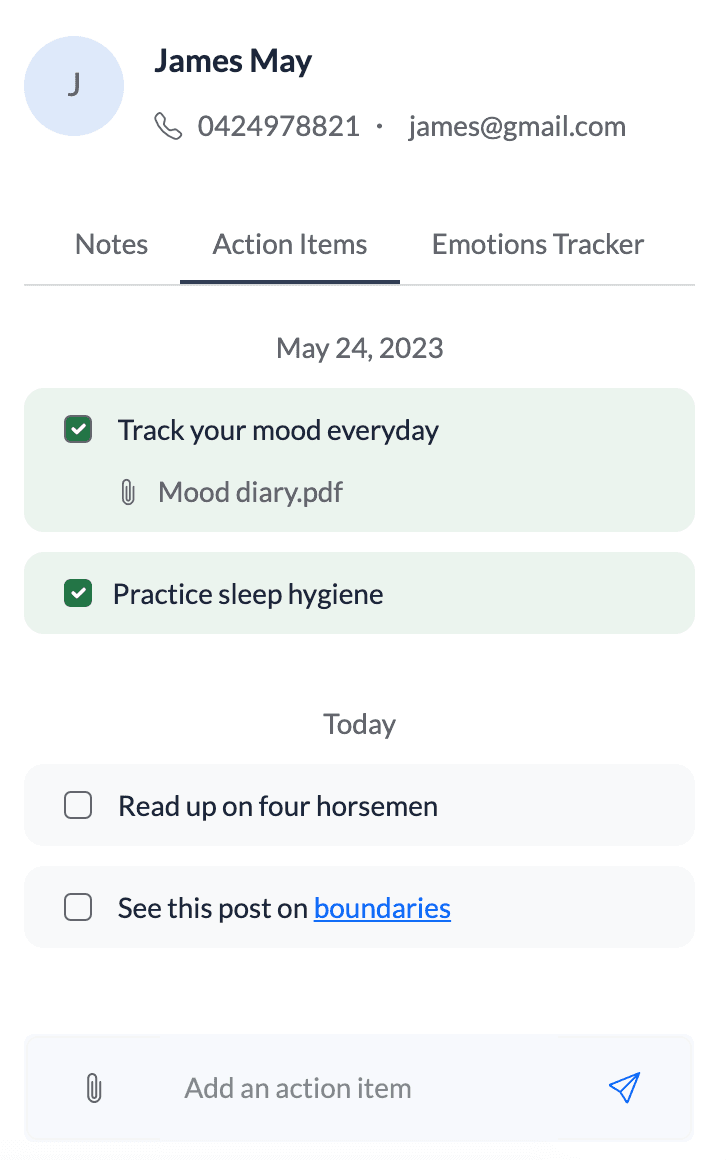
One practice workspace, with a dedicated space for each client.
AI SESSION REVIEW
A private, evidence-linked review to support your own reflection after the session.
• Private to the psychologist. For reflection, not scoring or treatment advice.
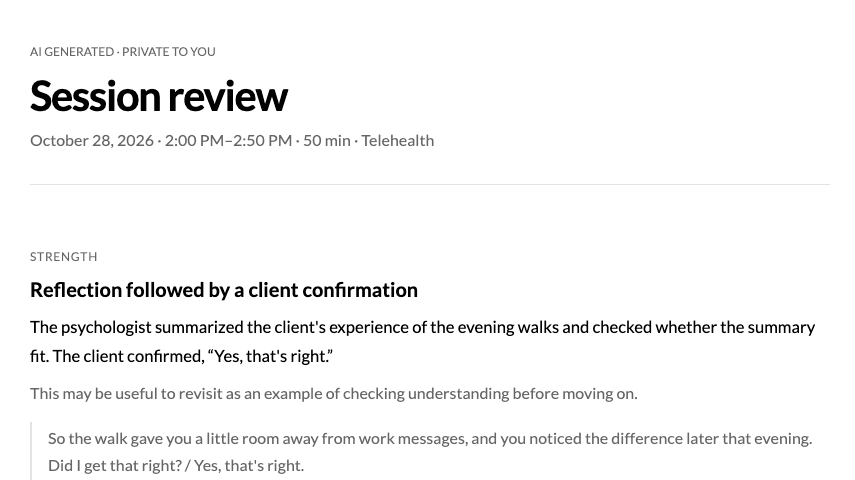 Illustrative demo · Fictional dataPreview poster for Session Review
Fictional session and transcript · preview loops silently; open the full walkthrough for details.
CLIENT-REPORTED PROGRESS
Review Outcome Rating Scale (ORS) check-ins across sessions alongside Session Rating Scale (SRS) feedback on how the session felt for the client.
Follow the client’s reported scores over time and use them as a prompt for discussion—not a diagnosis or a definitive measure of progress.
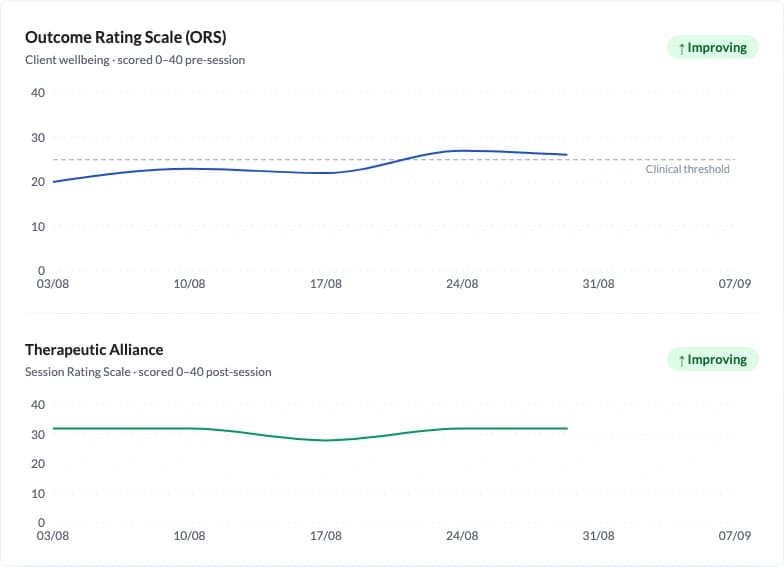
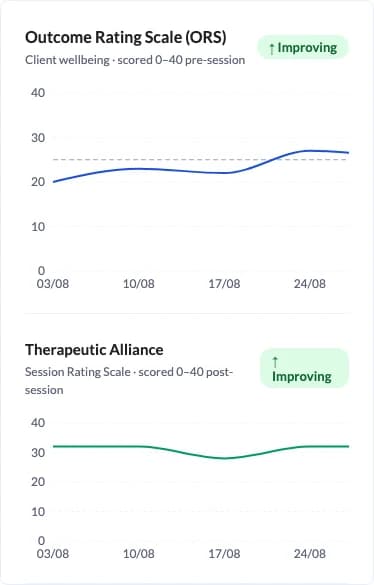
Illustrative product view · fictional scores and dates
MEDICARE CLAIMING
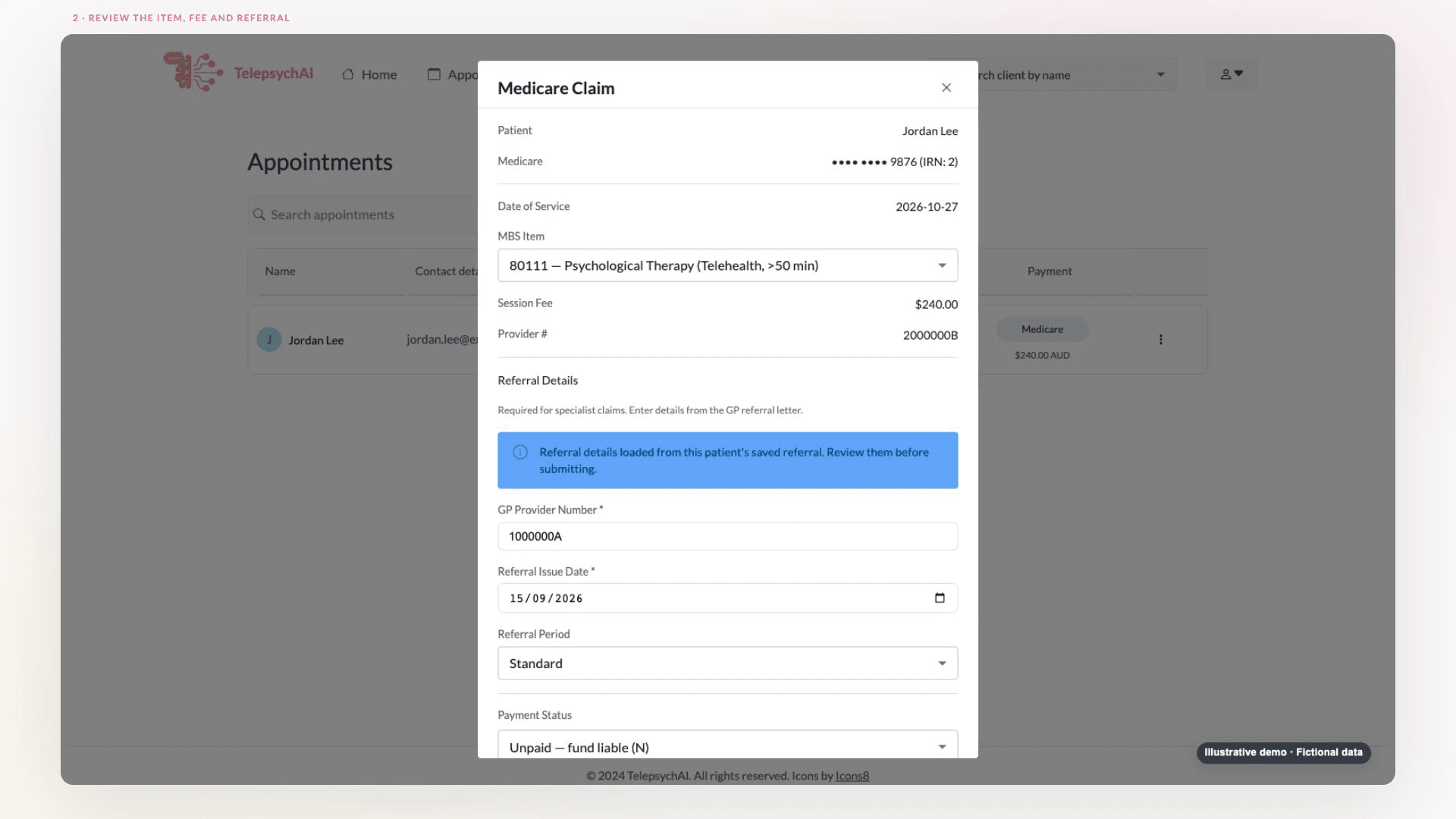
Prepare a claim from a completed appointment, review the details, verify eligibility, then submit or pend it for further assessment.
 Illustrative demo · Fictional dataPreview poster for Medicare Claiming
Vendor-test workflow · fictional details and simulated responses.
THE DETAILS AROUND THE SESSION
Switch between real screens from the provider and client workflows.
 Fictional demo data
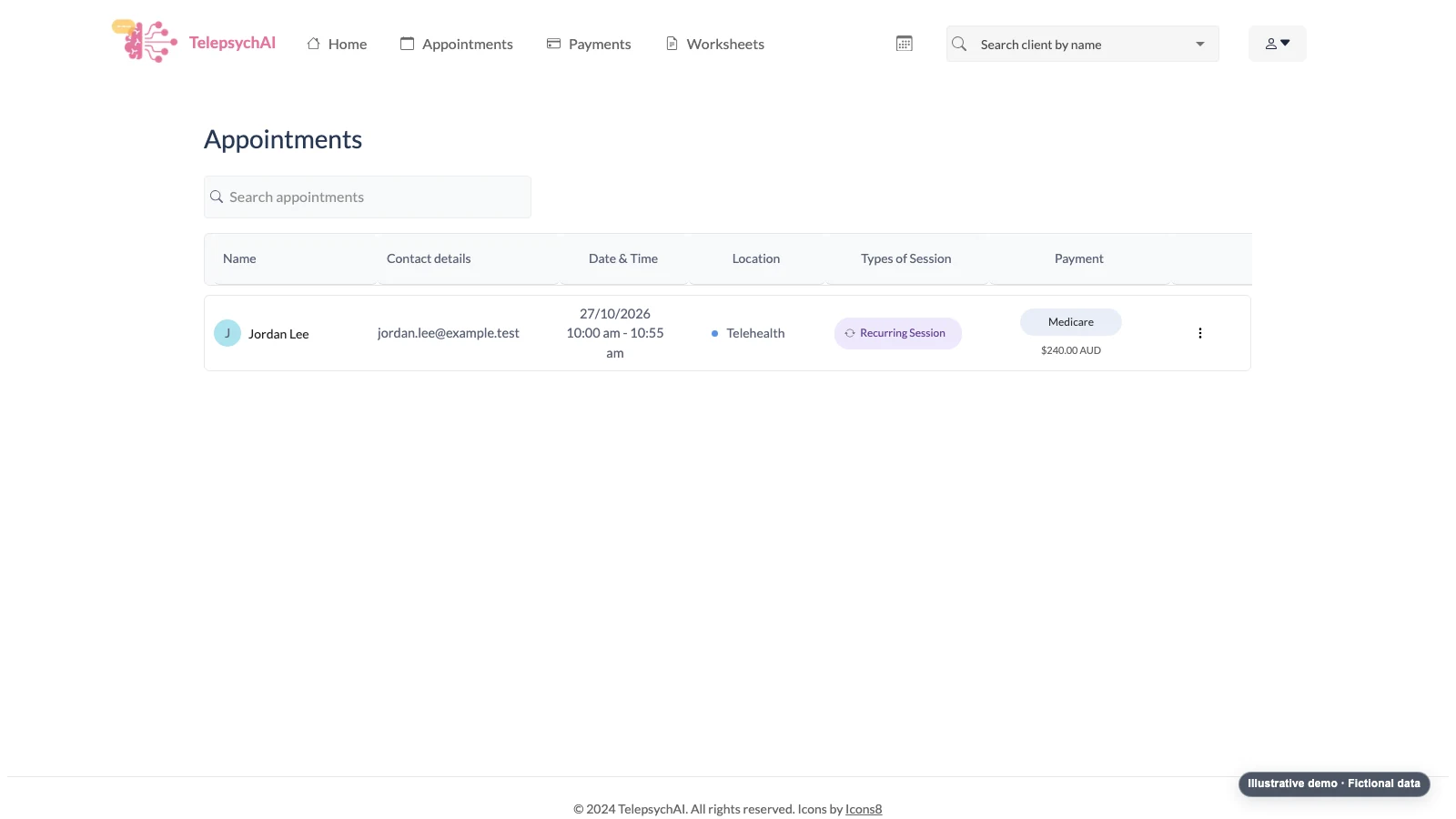
Review upcoming appointments, session type and payment details from the provider appointments workspace.
A PRACTICE THAT FEELS MORE CONNECTED
See how TelepsychAI fits into the way you practise.